The project
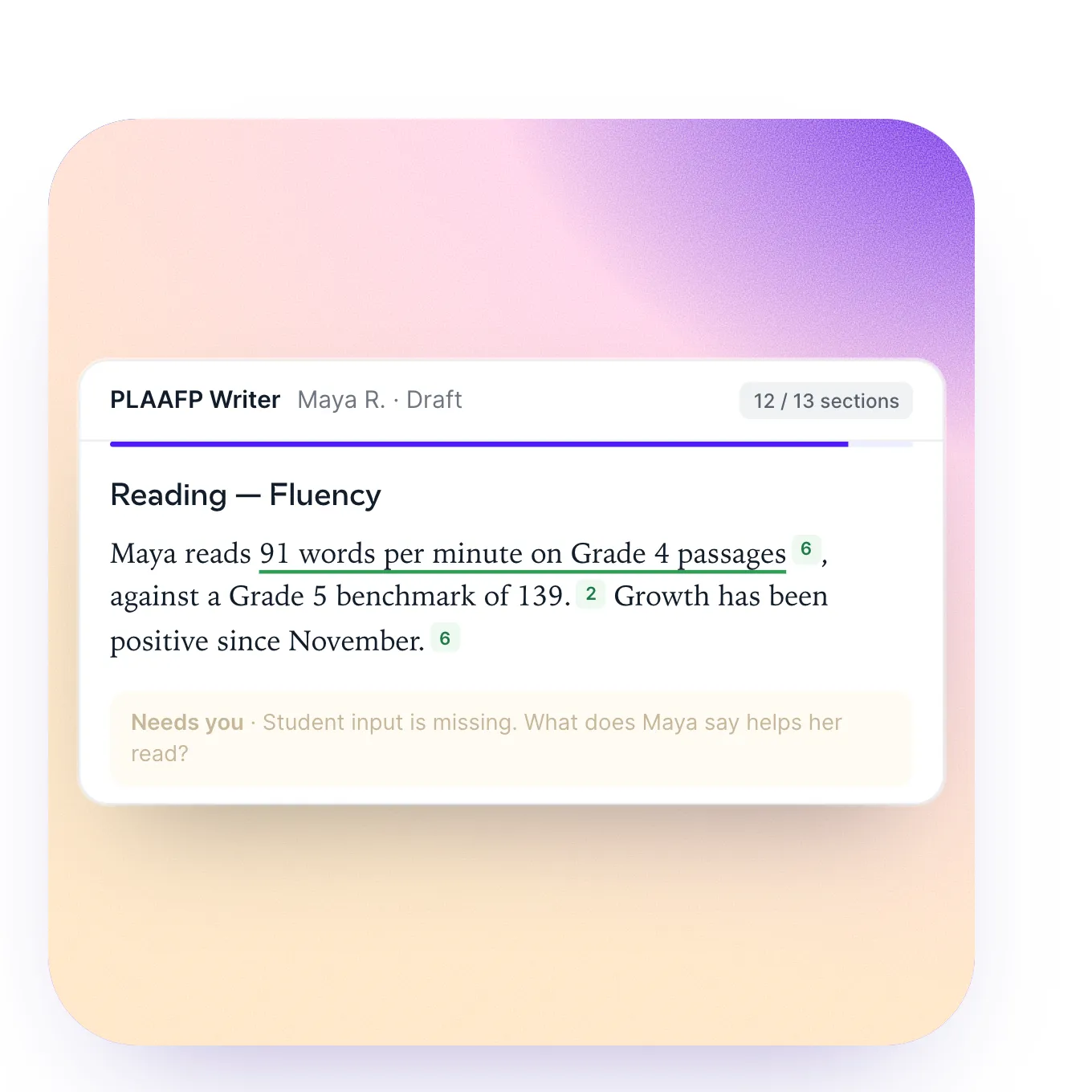
First their site was built in Webflow, with a CMS and custom animations. Then the home page was rebuilt in custom code, with no external dependencies, so their team can create new pages with AI.
The new home page had to be more professional and more product-focused, without losing the authenticity of a brand that speaks to teachers: breathing room between sections, an Apple-style menu and animations with purpose.
The challenge
To present 21 AI tools, in a sector where trust is everything, without the site feeling like a catalogue or losing the friendly tone the brand has.
How we built it
A faithful clone
First, the Webflow site rebuilt in custom code, piece by piece, with no external dependencies.
The library
Then, their system written for people and for AI: DESIGN.md, 9 blocks with “what to change and what not to touch” and 6 components.
The redesign
Around 37 rounds. After the client’s review, which asked for fewer things competing for attention, the stickers, stack and loader went: the page shrank from 15,286 to 10,636 px. One idea per container.
Three directions
IEP Copilot was tried three ways before settling on steps at the top and tools in the app’s sidebar.
The final filter
Before delivery: 17 screen sizes, from 320 to 2560 px, in Chrome and in WebKit.
The details
Colour
The palette of Playground IEP, by how much it is used on the delivered site. Hover over a colour.
Usage measured on recordings of the delivered site: every pixel counts towards the nearest colour; photos and gradients aside.
Typography
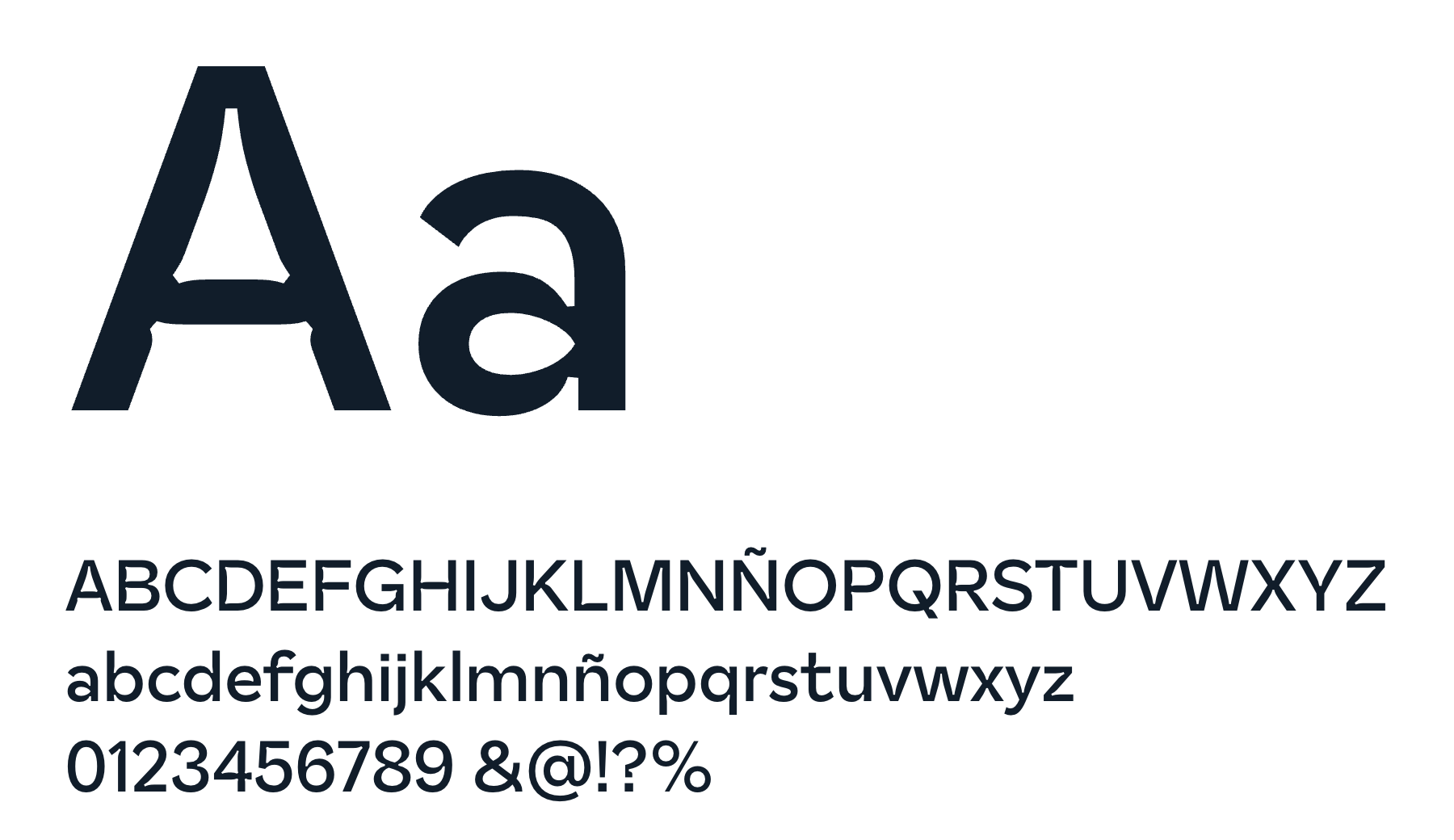
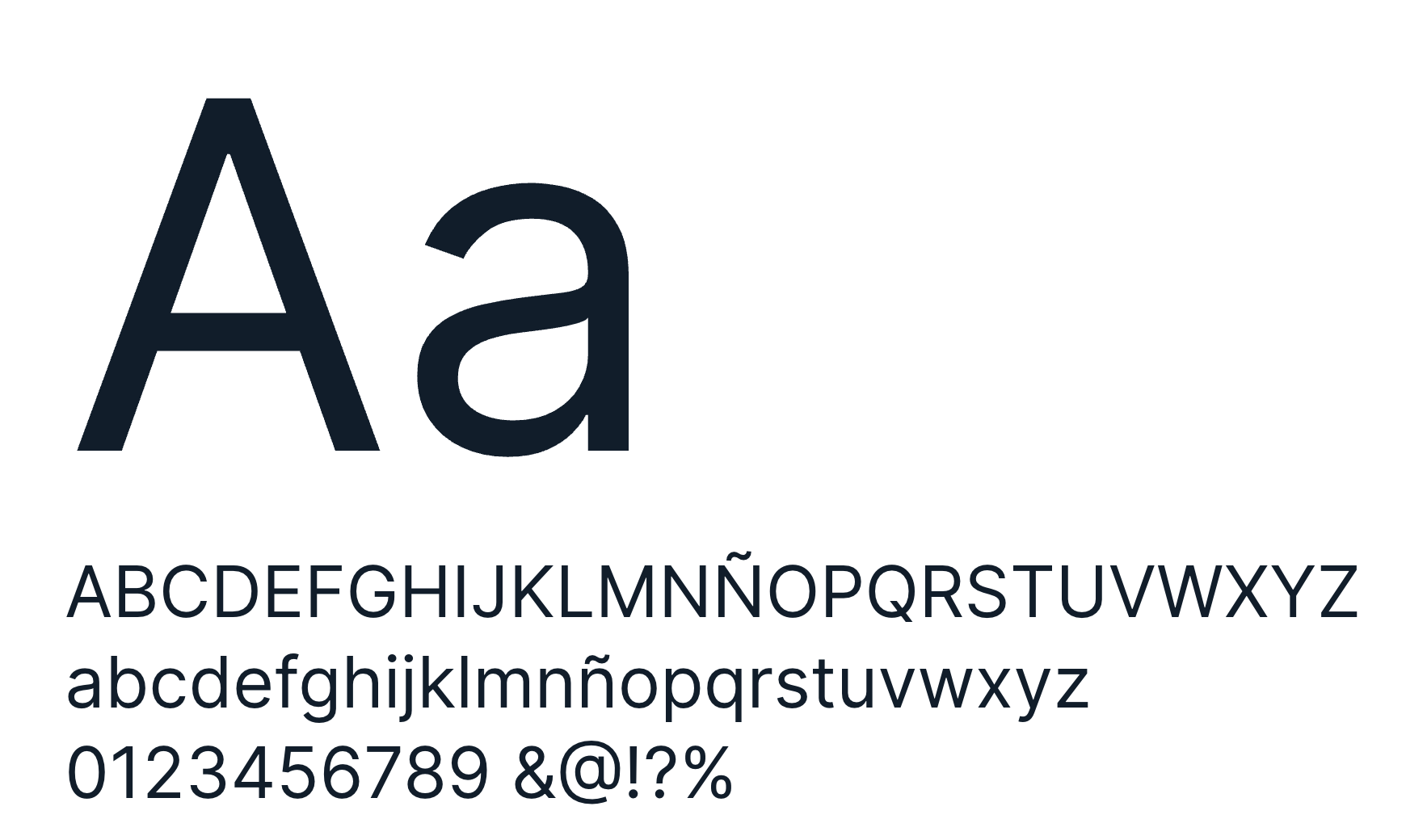
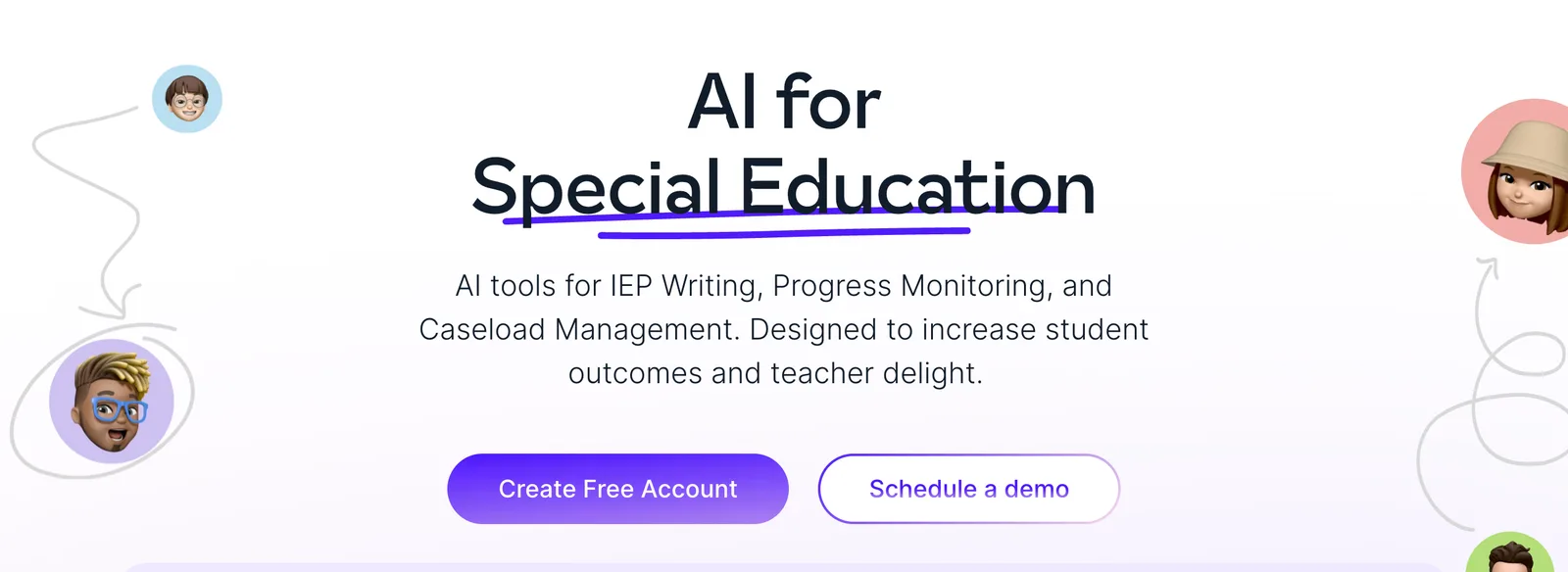
Measured on playgroundiep.com, at 1440 px.
Spacing
- Base step
- 8 px
- Between sections
- 64 px
- Container
- 1360 px
- 4gap, 30 times
- 8padding, 127 times
- 12padding, 51 times
- 16padding, 174 times
- 24padding, 184 times
- 32padding, 18 times
- 40padding, 83 times
- 96padding, 8 times
- 128padding, 10 times
The paddings, margins and gaps that repeat most on the delivered site, at 1440 px and true scale; almost all fall on 8 px steps.
Motion
Everything local, with no CDN or tracking; GSAP and Lenis for motion.
The app, for real
The hero is the navigable app: on scroll it pins and the app rises and grows.
Testimonials as trading cards
Seven stacked cards: the new one rises in an arc and the rest follow in a wave.
Questions as notes
Eight sticky notes that flip in 3D to reveal the answer.
Under the hood
Tools
- Figma
- Webflow
- HTML y CSS a medida
- GSAP
- Lenis
- Vercel


How it is built
- Custom HTML, CSS and JS with a build script that includes partials and versions the assets
- Everything local, with no CDN or tracking; GSAP and Lenis for motion
- Transferred weight from 4.67 to 1.91 MB; fonts subset to Latin, from 2.9 MB to 372 KB
- 0% slow frames when scrolling on desktop and 1% on mobile with the CPU at ×4
- 0 errors across 17 screen sizes, in Chrome and WebKit
- Tab roles, screen-reader announcements and checked contrast
In numbers
- 21 tools presented
- 1.91 MB in weight (previously 4.67)
- 17 screen sizes checked
- 0 % slow frames on desktop
What we dropped
- The hole loader (5 s) and the wax rocket (2.8 s): the logo one came back, once per session
- Stickers all over the site, the product that came in pushing and the 3D card stack
- A search box for the 21 tools: nobody would know what to look for
- A 3D logo: we kept their own
Conclusion
First, a Webflow site with a CMS and custom animations. Then, the home page rebuilt in custom code, with no external dependencies, so their team can create new pages with AI.
It weighs 1.91 MB (previously 4.67), gives no slow frames when scrolling on desktop and was checked across 17 screen sizes, in Chrome and WebKit.
In their words
“Eric and Andoni are amazing. They are fun to work with and their work is incredible. Not only do they have incredible talent, but they care deeply about collaboration. Throughout the whole process they communicated with me constantly and together we built something beautiful.”

“The client’s testimonial about this project goes here: two or three lines, with their charcoal portrait. Placeholder for Eric.”